Demo mode deployment specification
A conservative guide for demonstration installations. It deliberately separates verified product behavior from safeguards that must exist before a public demo is enabled.
A login shortcut alone is not a safe demo system. Server-side restrictions, isolated credentials, reset automation, monitoring, and abuse controls must all be verified on the deployed build.
Current implementation status
This documentation does not claim that demo mode is active. The status is requires deployment verification. Mark a demo as available only after the exact release deployed to that hostname has passed the safeguards and acceptance tests below.
Theme preview URLs, demo hostnames, credentials, and seeded accounts are deployment data—not defaults in the distributable buyer package. Never publish credentials in the documentation shipped to buyers.
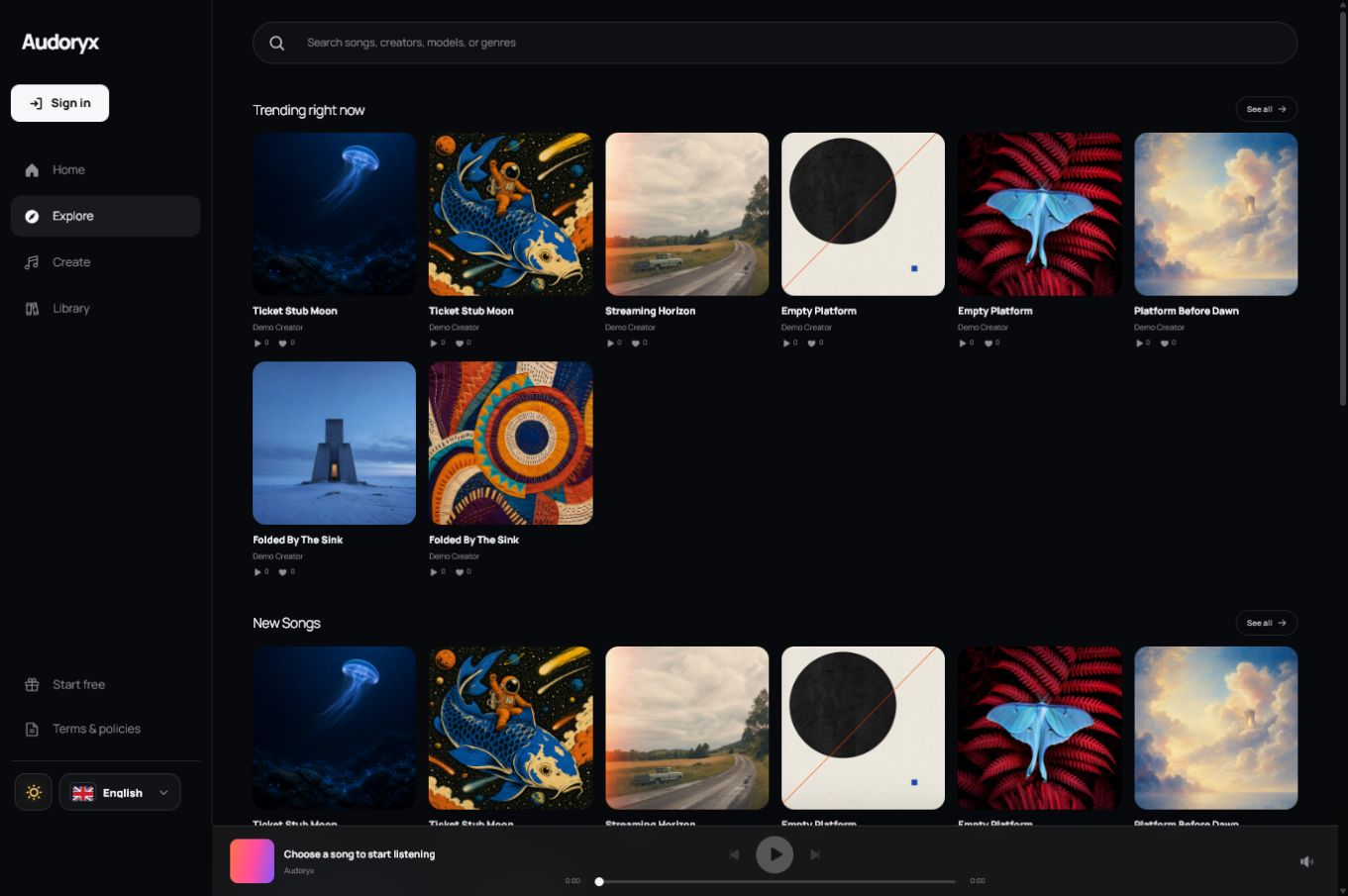
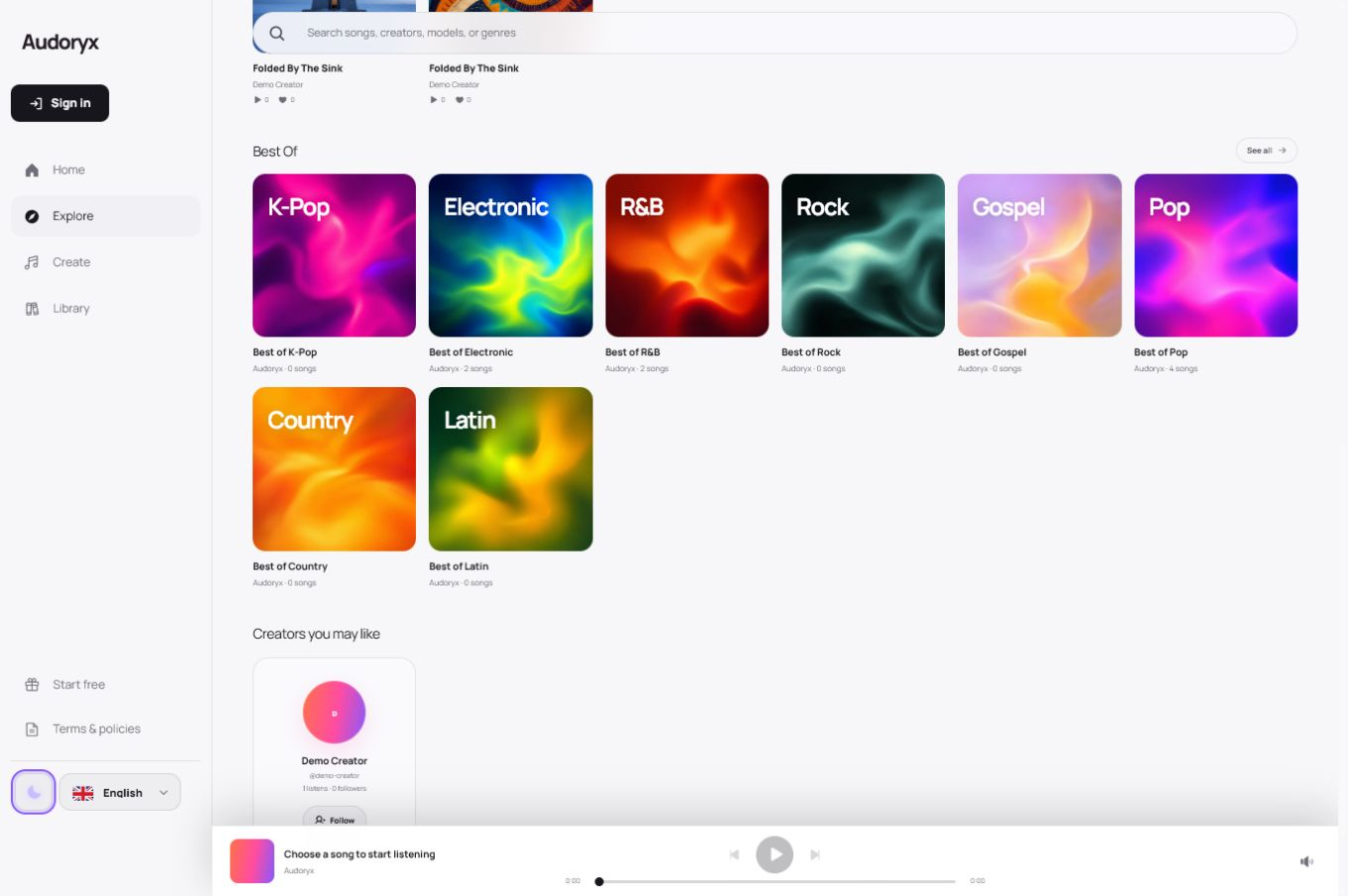
Hosted screenshots and showcase covers are not buyer-package assets.
Buyer setup may import default-theme pack v2, containing exactly 40
first-party AI-assisted demo assets from Audoryx's official documentation origin. The
installer verifies the pinned manifest and every file. Eighteen additional category
bitmaps stay live-demo-only because their retained provenance is insufficient for buyer
import; buyer-facing category slots reuse approved raster artwork already present in
the verified pack. The two Verdant landing cutouts belong to that separately
distributed theme and never enter the default pack. Missing official media is hidden
cleanly—Audoryx does not generate or serve SVG artwork substitutes. Buyers can replace
any surface through Brand & content with media they own or license.
On a verified demo deployment, public registration is available behind server-side throttling. Each new registered account receives non-cash demonstration credits. Guests do not receive generation tools merely by browsing public pages; they must use a supported authenticated creator flow.
Required demo safeguards
| Area | Required control |
|---|---|
| Administration | Block mutations to licensing, updates, provider credentials, mail, payments, users, roles, maintenance, branding, and destructive maintenance tools. |
| Secrets | Use demo-specific restricted credentials server-side; never expose, reveal, export, or echo them. |
| Billing | Represent subscriptions with seeded or simulated state only. A public demo must not create a gateway checkout, authorization, capture, invoice, refund, or charge. |
| Generation | Give Song Generator, Voice to Song, Suno Lyrics, consent-verified Custom Voice, and each enabled Suno Studio action one independent use per account per application-calendar day, then enforce a separate deployment-wide abuse ceiling, request throttles, bounded media size, provider quotas, and monitoring. |
| Uploads | Restrict types and sizes, scan where available, isolate storage, and expire user media. |
| Outbound communication | Suppress or route email, webhooks, and notifications to demo-safe sinks. |
| Data | Reset from a known seed on schedule and purge accounts, comments, media, sessions, and tokens created by visitors. |
| Observability | Alert on resource saturation, abuse, worker failure, reset failure, and unexpected external traffic. |
Demo subscriptions and generation limits
Plans, subscription badges, billing periods, credits, cancellation states, and invoices shown on a public demo are seeded or simulated presentation data. The demo must never open a live or sandbox gateway checkout, collect payment details, create a payment-provider customer, or send a charge-related webhook.
Generation is intentionally scarce. Each demo account receives one Song Generator use and one independent Voice to Song use per application-calendar day. Suno Lyrics has another independent daily use. Consent-verified Custom Voice has its own independent daily use as well. Reserving queued work consumes only that tool's slot atomically, so concurrent tabs cannot create extra work. A failed or cancelled request releases only its own slot; a successful request remains counted until midnight in the configured application timezone.
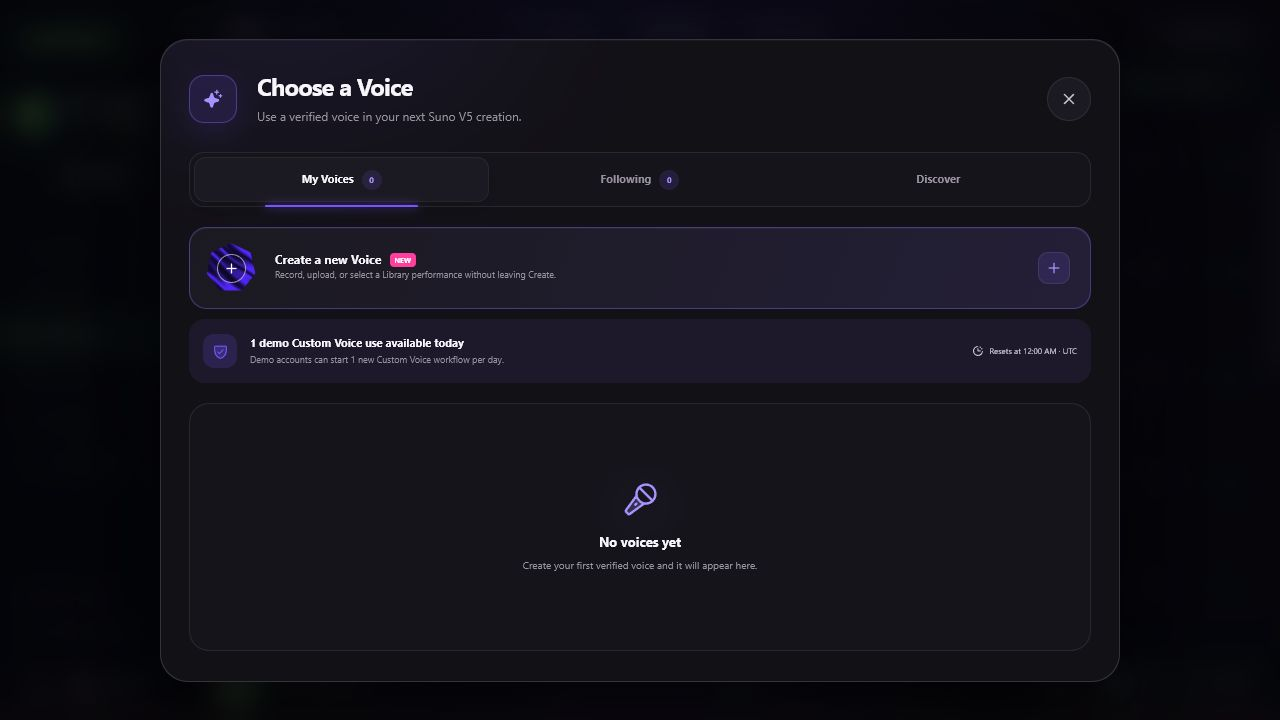
Custom Voice is intentionally stricter because its source and verification recordings are biometric-like private media. Creating the voice consumes the slot even if the provider later fails; verification and retry continue the same reserved workflow. Deleting the row is disabled on a public demo so a visitor cannot erase and recreate the reservation. Source files stay on the configured private voice disk and callbacks are accepted only through the unguessable token bound to that voice.
Owner-scoped Suno Studio work is independent of the root-tool and lyrics slots. Each enabled action —Cover, Extend, Replace Section, Stems, and WAV—has its own one-use-per-account daily slot. Using Cover does not consume Extend, but a second Cover is rejected until reset. Only actions supported by the source, enabled by the administrator, and submitted through the authenticated owner route are eligible.
| Control | Required behavior | Operator proof |
|---|---|---|
| Per-tool quota | One daily slot each for Song Generator, Voice to Song, Suno Lyrics, and Custom Voice. A pending request leaves zero remaining for that tool without consuming another tool. | Submit the same tool from two tabs, confirm only one job is accepted, then confirm a different tool is still available. |
| Daily reset | Reset at midnight in APP_TIMEZONE; display the same reset time to the creator. | Test both sides of midnight using the deployed timezone. |
| Failure release | Release only the failed or cancelled tool reservation without granting additional slots after a success. | Force a safe provider failure, retry that tool once, and confirm other tool counters did not change. |
| Studio action quota | One daily slot for each enabled owner-scoped action. Pending work reserves only that action; provider failure releases only that action. | Use all five distinct actions once, reject a duplicate, fail one safely, and confirm only that action becomes available again. |
| Custom Voice reservation | Reserve one new consent-verified voice per account/day under the shared provider ceiling. Verification and retry advance that row; provider failure does not grant a second source upload. | Create one voice, reject a second upload with HTTP 429, verify the first can advance, and confirm deletion cannot reset the demo slot. |
| Global abuse ceiling | Stop new demo provider jobs across all accounts when the deployment-wide budget is reached. The default is 25 jobs per day and the control must fail closed. | Set AUDORYX_DEMO_GLOBAL_DAILY_GENERATION_LIMIT, exercise the stop condition without contacting a paid provider, and confirm the operator alert. |
| Network throttles | Rate-limit account, session, IP, and edge traffic so creating more accounts cannot bypass the global ceiling. | Verify HTTP 429/locked responses, alerts, and no queued provider work after exhaustion. |
The application-level daily quota does not replace the global ceiling. Configure the latter at the deployment edge and provider-budget layer, alert before exhaustion, and keep its exact value private if publishing it would help abuse. If the ceiling cannot be enforced and observed, disable demo generation.
Keep AUDORYX_DEMO_DAILY_STUDIO_ACTION_LIMIT=1 and
AUDORYX_DEMO_DAILY_LYRICS_LIMIT=1, and
AUDORYX_DEMO_DAILY_CUSTOM_VOICE_LIMIT=1; values above one are clamped to one.
Set the installation-wide budget with
AUDORYX_DEMO_GLOBAL_DAILY_GENERATION_LIMIT. Setting either enforced
limit to zero is a deliberate fail-closed stop, not unlimited access.
Admin and creator shortcuts
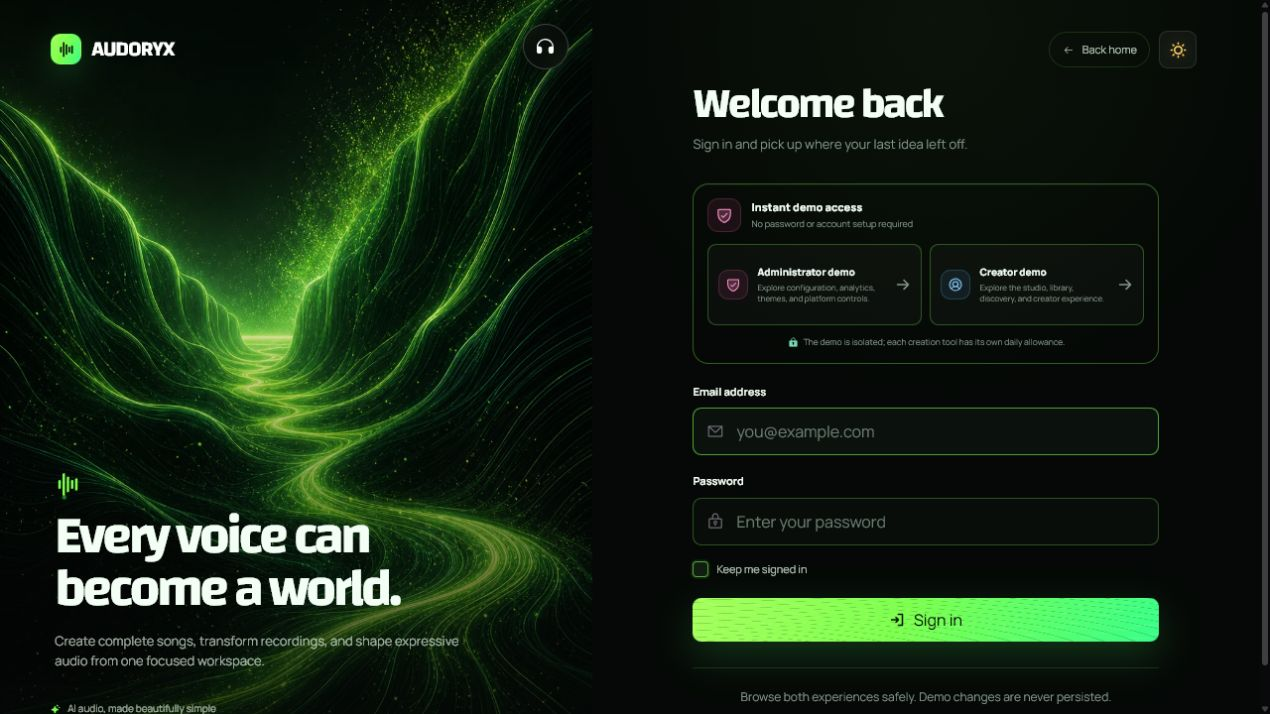
A demo login page may show Fill admin demo and Fill creator demo. Buttons should populate, not submit, the form so the visitor sees which role is being used. The server still authenticates normally and attaches immutable demo restrictions to the account and request.
- Use dedicated demo-only accounts with no shared credentials from staging or production.
- Rotate demo passwords and revoke sessions on a schedule.
- Show the active role and the actions disabled by demo mode.
- Prevent password, email, MFA, API-token, payout, and ownership changes for seeded accounts.
Theme preview sites
Give each public theme preview an isolated hostname, database, storage namespace, cache prefix, queue prefix, session cookie name, and application key. Point the theme's EKR preview field to the canonical HTTPS landing page only after certificate, robots policy, access controls, and demo restrictions are verified.
A cloned production secret, provider key, payment key, mail credential, signing key, or storage credential turns a preview site into a production compromise.
Reset and retention strategy
- Prepare an immutable seed. Keep only deliberate demo content and synthetic profiles.
- Quiesce mutations. Pause workers or enter a short reset maintenance state.
- Rebuild tenant data. Restore the seed or run an idempotent reset transaction.
- Purge generated artifacts. Remove demo uploads, generated audio, covers, exports, sessions, tokens, and caches.
- Restore seeded accounts. Rotate passwords and invalidate old sessions.
- Run smoke tests. Verify login, public browse, safe generation, theme rendering, and blocked operations.
Acceptance tests before launch
- Both login helpers populate the correct demo account and never expose a secret in HTML source or an API response.
- Every protected administrative mutation is rejected server-side, including direct requests made outside the user interface.
- Every subscription and billing state is visibly simulated; no checkout, payment details, payment-provider customer, authorization, capture, invoice, refund, charge, or billing webhook is created.
- Song Generator, Voice to Song, Suno Lyrics, and Custom Voice each have one independent daily slot; duplicates are rejected atomically. Custom Voice keeps its durable reservation across verification and retry.
- Each enabled owner-scoped Studio action can be used once independently; repeating an action is rejected and failing it releases only its own slot.
- The global abuse ceiling blocks new provider work across different accounts and emits an operator alert.
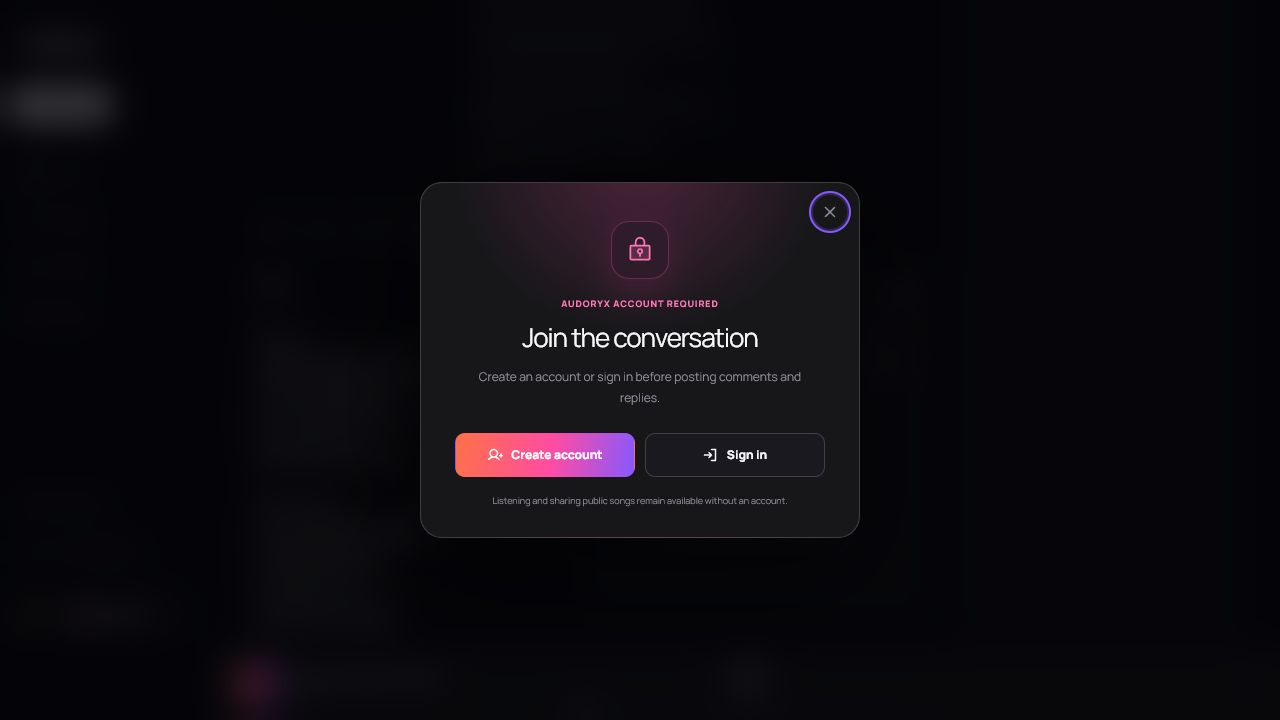
- Comments, likes, shares, uploads, and all other mutations remain blocked or have explicit verified demo limits.
- The reset removes all visitor-created records and files without changing seed content.
- The default and every marketplace theme pass desktop, mobile, keyboard, RTL, maintenance, 404, and 500 checks.
- The preview URL stored in EKR opens the intended HTTPS site in a new tab.
- Monitoring detects a stopped worker, failed reset, disk pressure, and abnormal request volume.